돌려 보고, 하나씩 뽑아, 색 상자에 담으세요Turn it. Pull it apart. Sort by colour.
완성된 브릭 모델을 손가락으로 돌려 가며 브릭을 하나씩 뽑아내는 퍼즐이에요. 다른 브릭에 막힌 브릭은 빠지지 않으니 뽑을 순서를 읽고, 같은 색 상자에 담아 보관 칸이 넘치지 않게 하세요.
Spin a finished brick model in your hands and take it apart one brick at a time. A brick blocked by another won't come out, so read the order, drop each brick into the box of its colour and keep the holding tray from overflowing.
iOS · Android 무료 (광고와 인앱결제 포함)Free on iOS and Android (contains ads and in-app purchases)
이런 게임이에요What it's about
뽑는 순서를 읽는 퍼즐A puzzle of order
브릭마다 빠지는 방향이 있고, 그 길을 다른 브릭이 막으면 빠지지 않아요. 모델은 언제나 풀 수 있게 잘려 있어서, 지는 건 보관 칸이 넘칠 때뿐이에요.
Every brick comes out in one direction, and only when nothing blocks its way. Models are cut so they can always be solved: the only way to lose is an overflowing holding tray.
끝없이 이어지는 레벨Endless levels
레벨 1부터 끝없이. 600개의 맵이 매번 새로운 순서로 나오고, 난이도는 감이 아니라 자동 플레이의 승률로 맞췄어요.
From level 1, forever: 600 maps in a fresh random order every round, their difficulty tuned by the win rate of automated playthroughs, not by guesswork.
부스터 네 가지Four boosters
막혔을 땐 강제 철거, 상자 추가, 보관 칸 비우기, 보관 칸 추가로 돌파하세요.
Stuck? Knock out a brick, add a colour box, clear the holding tray or add a tray slot.
창작마당Workshop
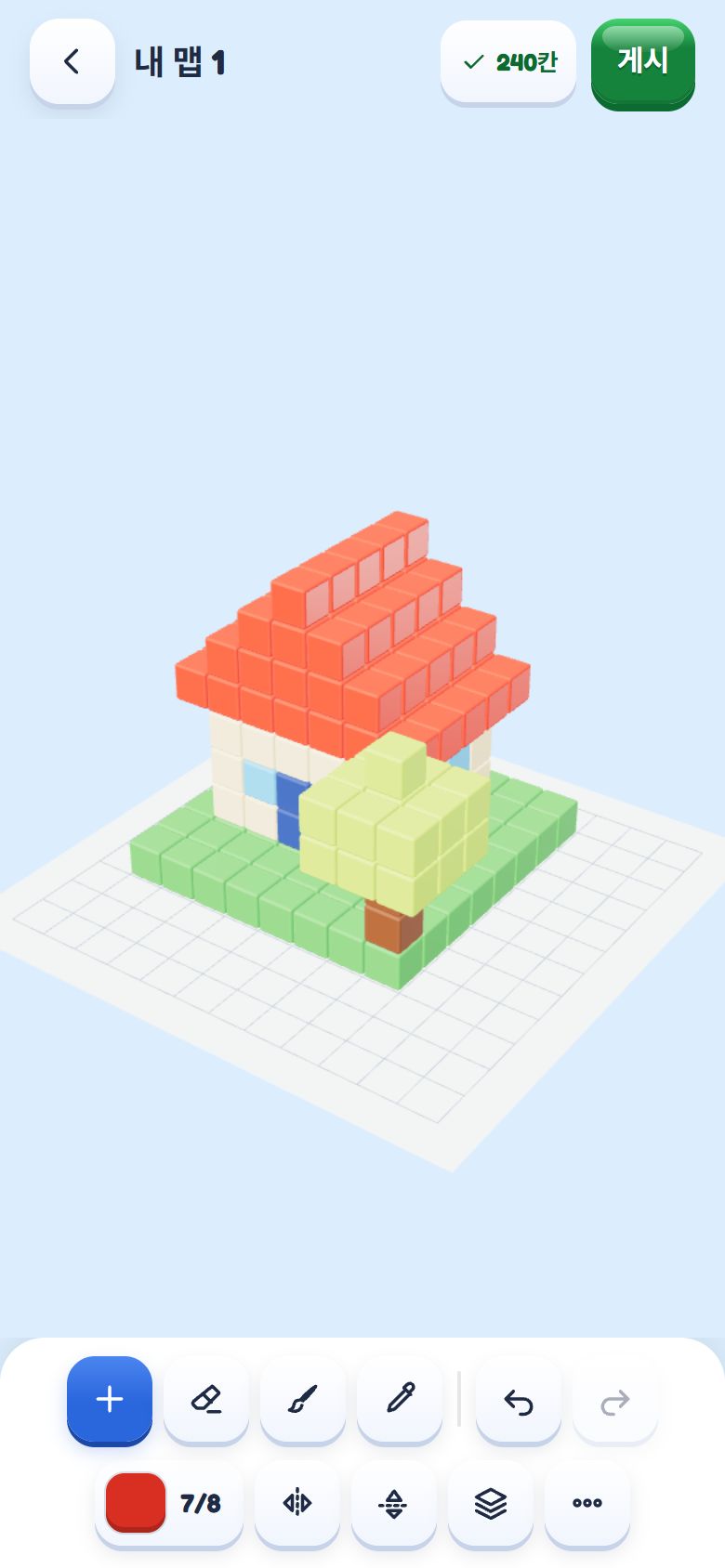
블록을 쌓아 나만의 맵을 만들면 게임이 브릭으로 잘라 난이도를 맞춰 줘요. 코드로 공유하고, 다른 사람의 맵은 별점과 인기순·평점순으로 찾아 플레이하세요.
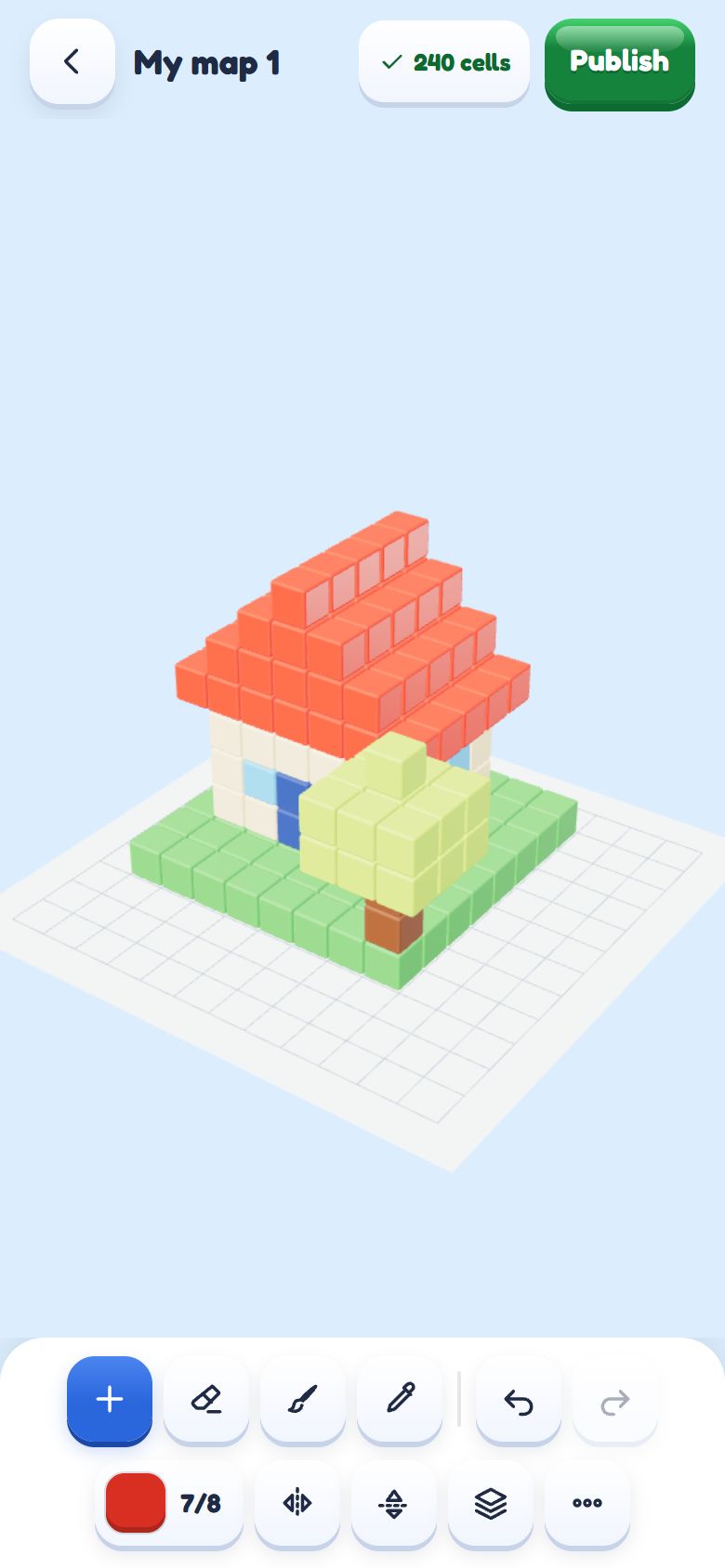
Stack cubes into your own map and the game cuts it into bricks and tunes its difficulty. Share it with a code, and find maps by others by stars, popularity and rating.
순위와 친구Rankings and friends
깬 레벨 수로 겨루는 주간·전체 순위, 레벨별 기록, 친구 코드로 친구 추가. 모든 기록은 서버가 다시 재생해 확인해요.
Weekly and all-time rankings by levels cleared, per-level records and friends by friend code. Every record is replayed and checked by the server.
언제 어디서나Anytime, anywhere
인터넷이 없어도 캠페인을 할 수 있어요. 15개 언어, 색약 보조 기호와 움직임 줄이기도 지원해요.
The campaign plays without a connection, in 15 languages, with colour-blind symbols and reduced motion when you need them.
스크린샷Screenshots
개발 중인 실제 게임 화면이에요.Real screens of the game in development.
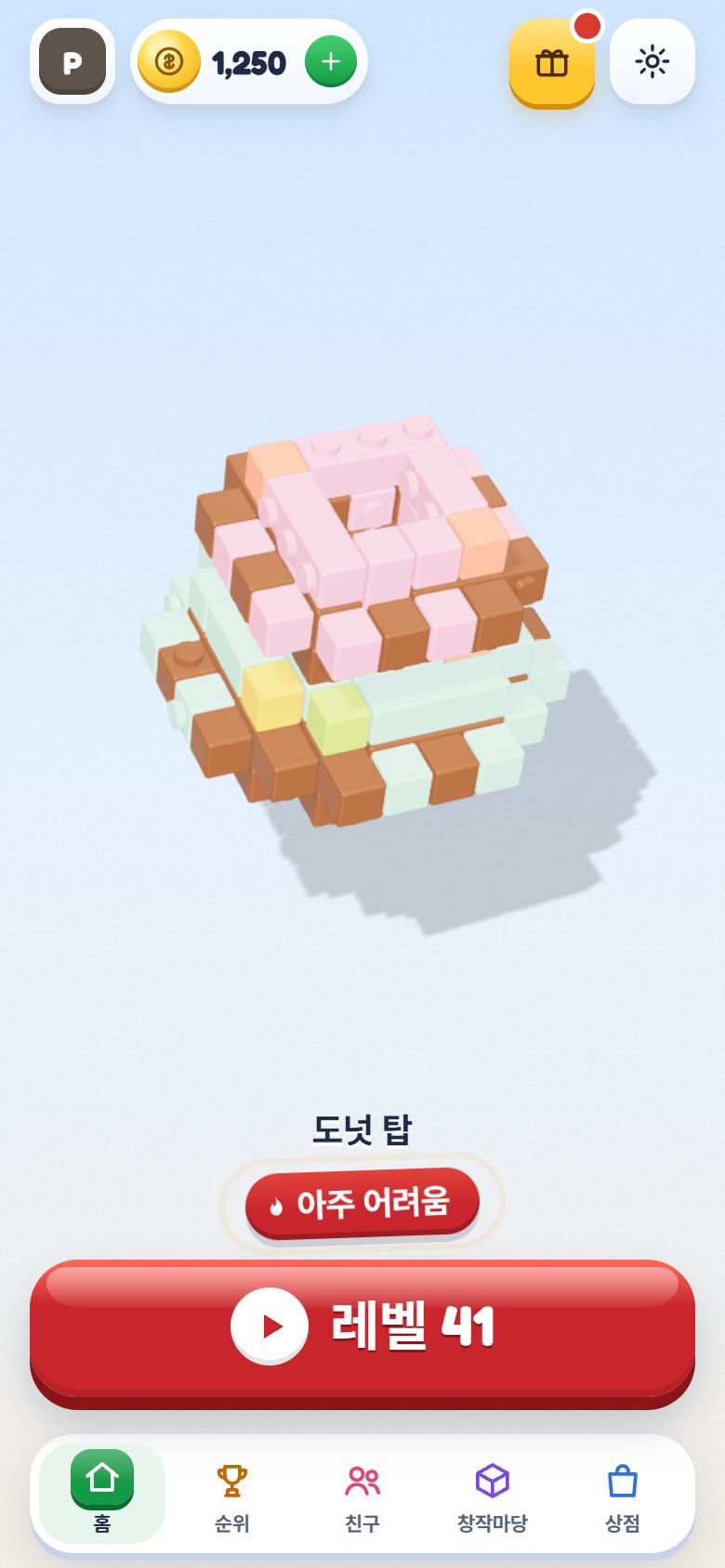
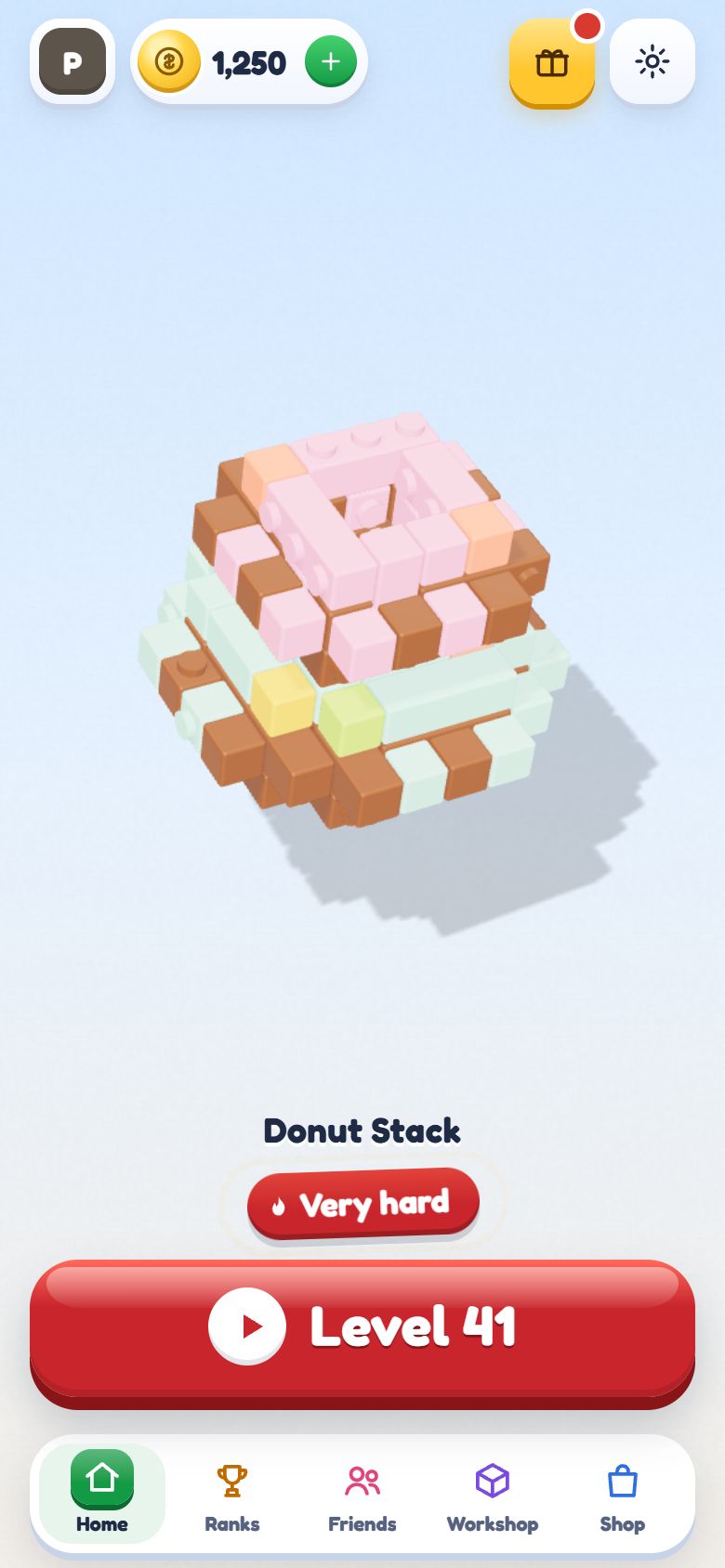
홈Home한 판씩, 끝없이One level after another
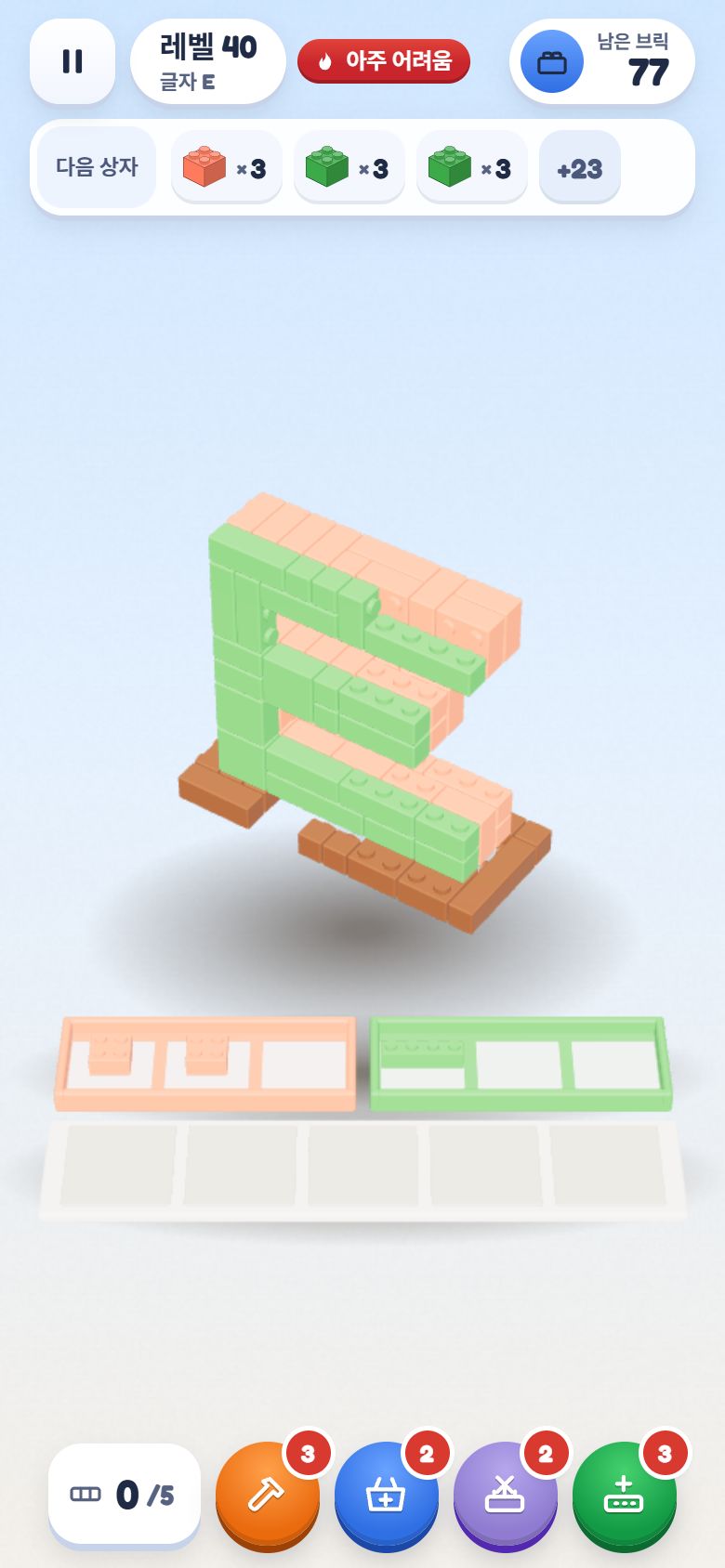
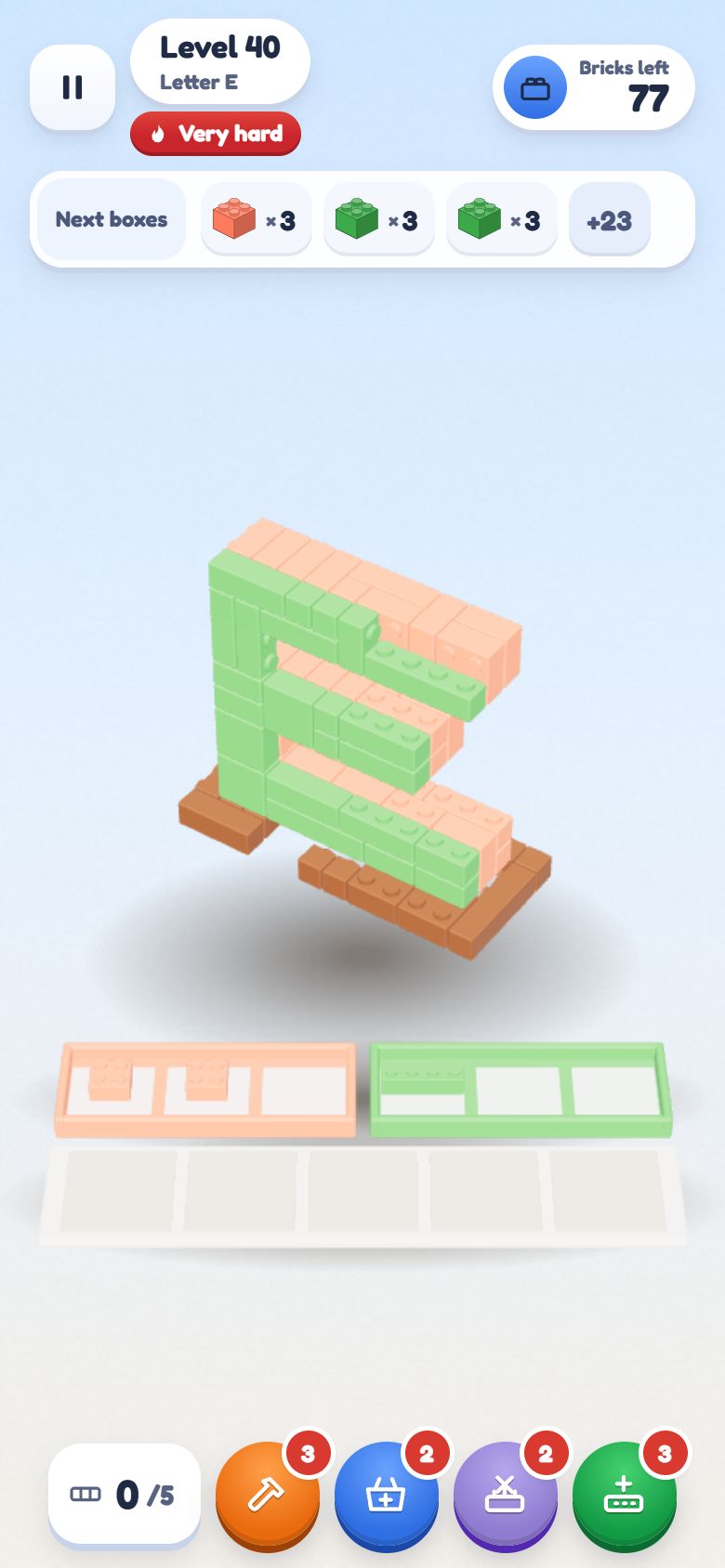
플레이In play색 상자와 보관 칸Colour boxes and the holding tray
맵 에디터Map editor블록을 쌓아 맵 만들기Stack cubes into a map
맵 만들기Map Creator
내 맵을 만들어 보세요Make your own map
맵 만들기는 웹에서도 할 수 있어요. 큰 화면과 마우스로 블록을 쌓고, 앱과 같은 계정으로 게시하면 창작마당에 올라가요.
The map creator also runs in your browser. Stack cubes on a big screen with a mouse, then publish with the same account you use in the game and your map appears in the Workshop.
바닥부터 블록을 쌓아요. 37가지 색 중 한 맵에 8가지까지 쓸 수 있어요.Stack cubes from the ground up, with up to 8 of 37 colours per map.
목표 난이도를 고르면 게임이 모델을 브릭으로 잘라 맞춰요.Pick a target difficulty and the game cuts the model into bricks to match it.
부스터 없이 직접 한 번 깨서 풀 수 있다는 걸 보여 줘요.Clear it once yourself, without boosters, to show it can be solved.
이름과 태그를 붙여 게시하고, 맵 코드로 공유해요.Name it, tag it, publish it and share its map code.
앱의 설정 → 계정에서 Apple이나 Google을 연결해 두면 웹에서도 같은 계정으로 로그인할 수 있어요.Link Apple or Google in the app (Settings → Account) to sign in with the same account on the web.